Turnitin released its new Turnitin Feedback Studio app (download here).
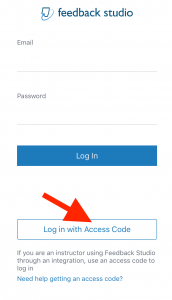
For ACU Faculty to sign in, open the app and select “Log in with Access Code.”
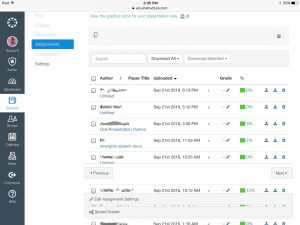
Next, open a Canvas course in Safari on your iPad (not on a laptop, and not in the Canvas app). Navigate to an assignment that is using the Turnitin LTI and open the Turnitin viewer by clicking on a submitted paper.
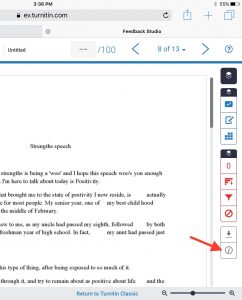
In the Feedback Studio view, tap the i in the circle on the lower right of the screen. If you do not see the “i” icon, it may be covered by a gear icon. Tap on it and you will be able to see the “i”icon.
Tap the “Generate Code” button.
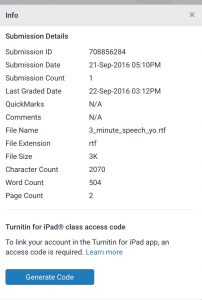
It may take a moment or two before the code actually generates.
Next, copy the generated code and paste it in the appropriate place in the Turnitin app.
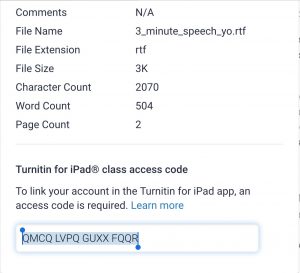
Remove the spaces before hitting Return.
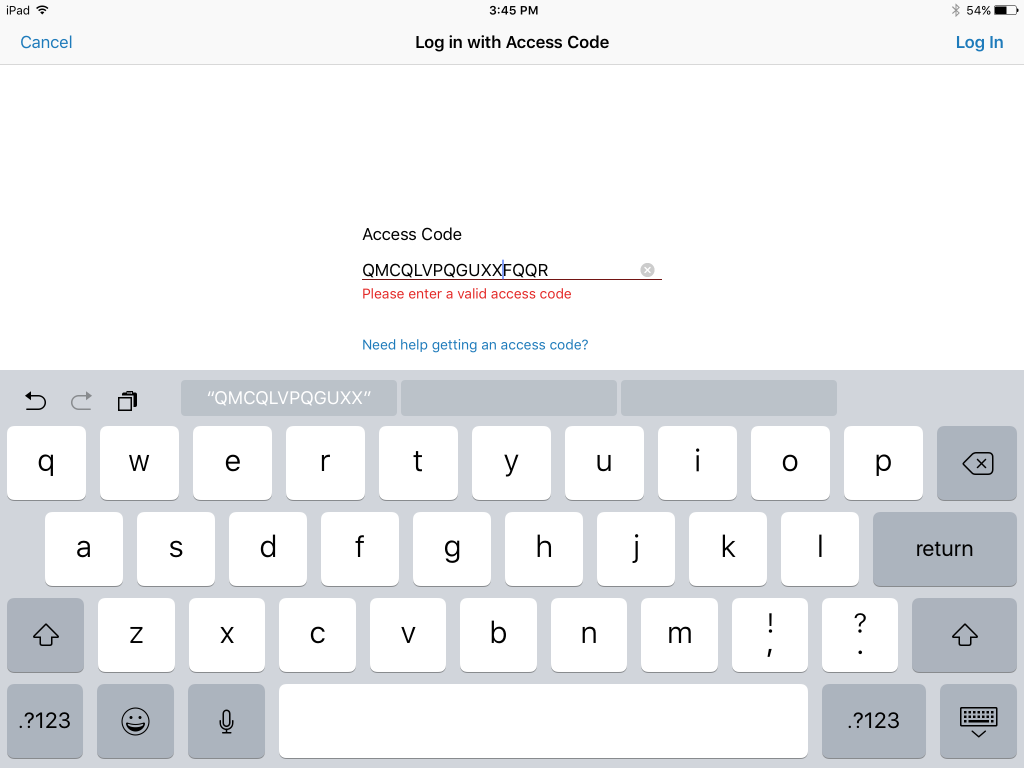
Once the code is accepted, you will be able to use the Turnitin Feedback Studio app on your iPad.
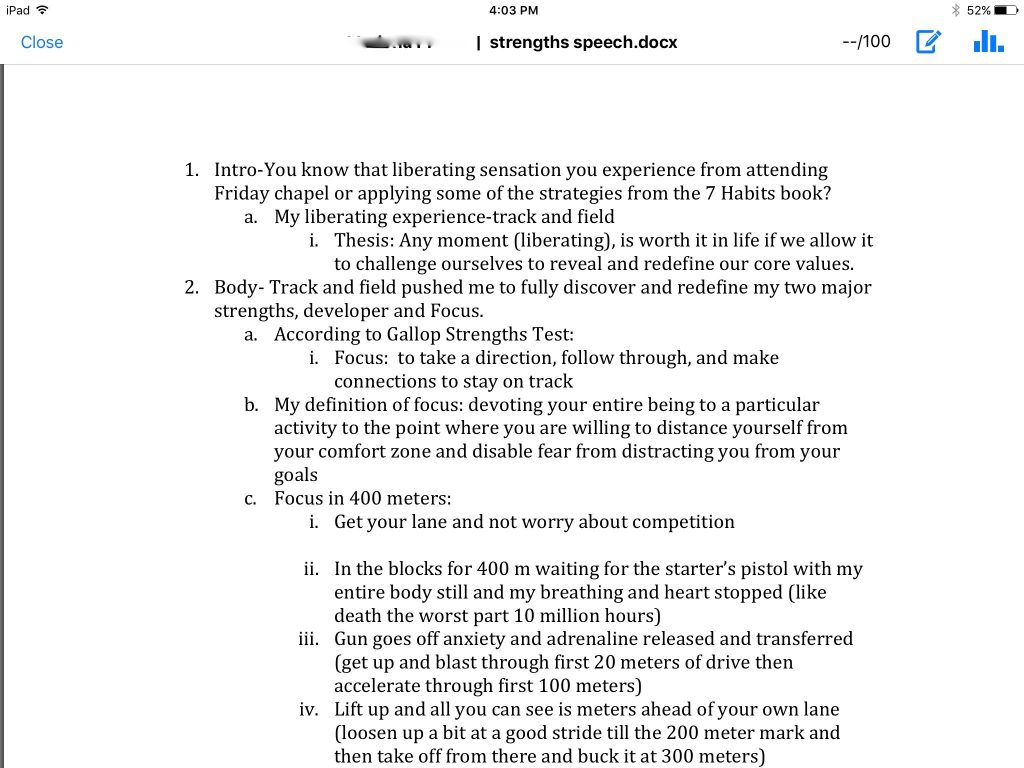
Tap anywhere in the paper to make comments and suggestions. This app is new and is a little buggy, but has potential to be a great markup tool as improvements are made.
