Many students and faculty who visit the Learning Studio are new to video editing. Apple’s iMovie software comes free on all Macintosh computers, so it’s the most obvious place to begin.
The iLife suite–including iMovie, iPhoto, and GarageBand–is available on any Macs in the Learning Commons or Learning Studio. iMovie was designed around the ability to organize, edit, and share your video as quickly as possible. With the addition of the tapeless camcorders, now available for checkout in the Learning Studio, this means you’ll have your clips loaded and ready to edit almost immediately.
Here are a few ways you might use iMovie for projects this semester:
Import footage from a checkout camera or mobile device and cut it into a short video.
Bring images from iPhoto or the web and assemble them into a narrated slideshow with panning effects.
Combine still images, video footage, and audio tracks to create a basic digital story.
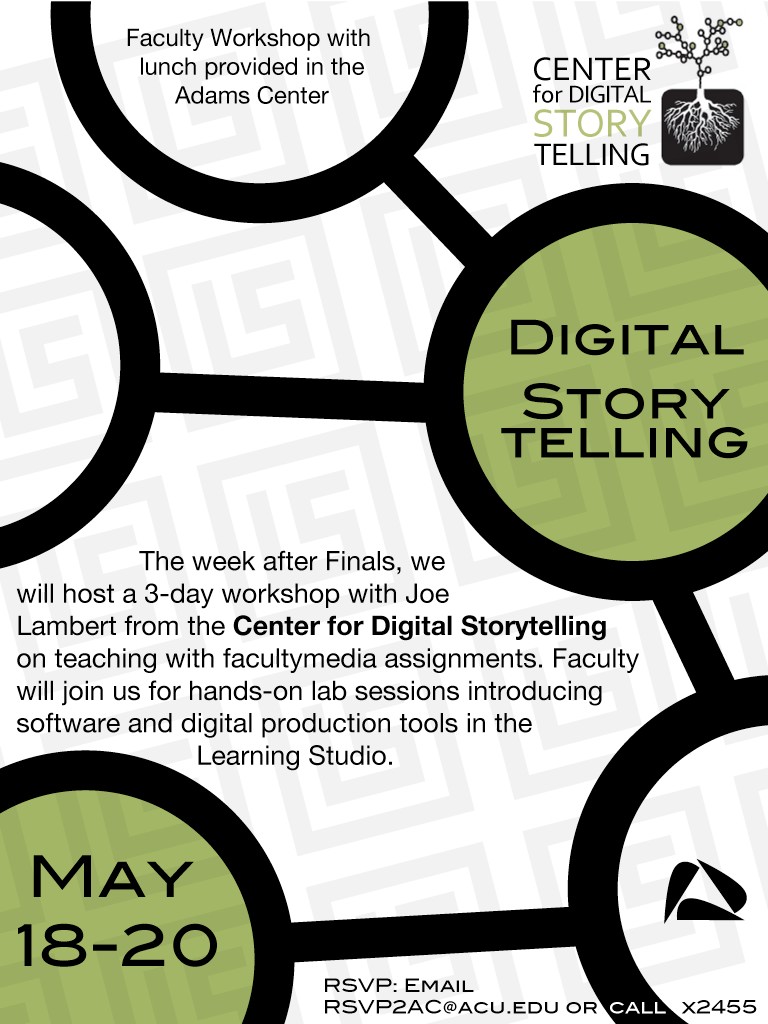
This last week Joe Lambert from the Center for Digital Storytelling joined us for a one-week follow-up to our workshop last May. During the week he and Beverly Bickel from CDS trained on-campus volunteers to facilitate future digital storytelling workshops.
As part of the facilitator training, a small group of campus volunteers went through a “workshop within a workshop” where they created stories of their own. See below for select stories from each workshop..
A remarkable three days in the Learning Studio with our first Digital Storytelling workshop led by Joe Lambert and Mary Ann McNair of the Center for Digital Storytelling.
Twelve faculty members were joined by Adams Center staff and media specialists to produce first-person narratives and understand the future of digital storytelling in the general curriculum. Remarkable first efforts from our faculty.
Dr. Cole Bennett’s ENGL 325: Advanced Comp students produced Literacies projects that premiered this afternoon.
Student readings all semester focused on “theories of literacy from a variety of disciplinary perspectives, paying particular attention to readings that emphasize social and political issues related to reading and writing.” The course concluded with individual students or groups producing short videos that extended the focus of the course to consider other cultural literacies:
“Rhetorically, this video should attempt to convince the viewer that 1) the activity under consideration qualifies as an expanded form of literacy; and 2) society would benefit as a whole if such argument were accepted. How does the subject fall under a definition of literacy? Which definition? Why does it matter? How are our lives enriched if we agree with you? How might your opponents disagree with you, and how would you address such concerns?”
Thanks again to students from ENGL 325 for working with us in the Learning Studio. Here are a few examples of their work.
For those looking for help on shooting and editing their first video, Vimeo has put together a series of shorts introducing basic concepts, including selecting gear, shooting, editing, sound, and software.
 Many students and faculty who visit the Learning Studio are new to video editing. Apple’s iMovie software comes free on all Macintosh computers, so it’s the most obvious place to begin.


 Digital Storytelling Workshop Reflections – May 2011