
Step One
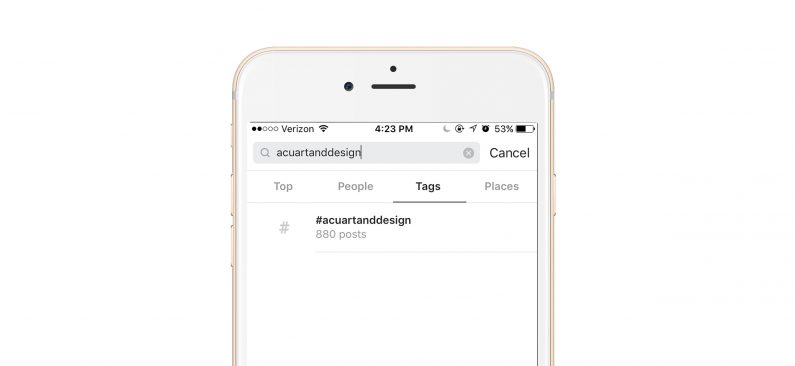
On Sunday, open Instagram and search “#acuartanddesign”
Step Two
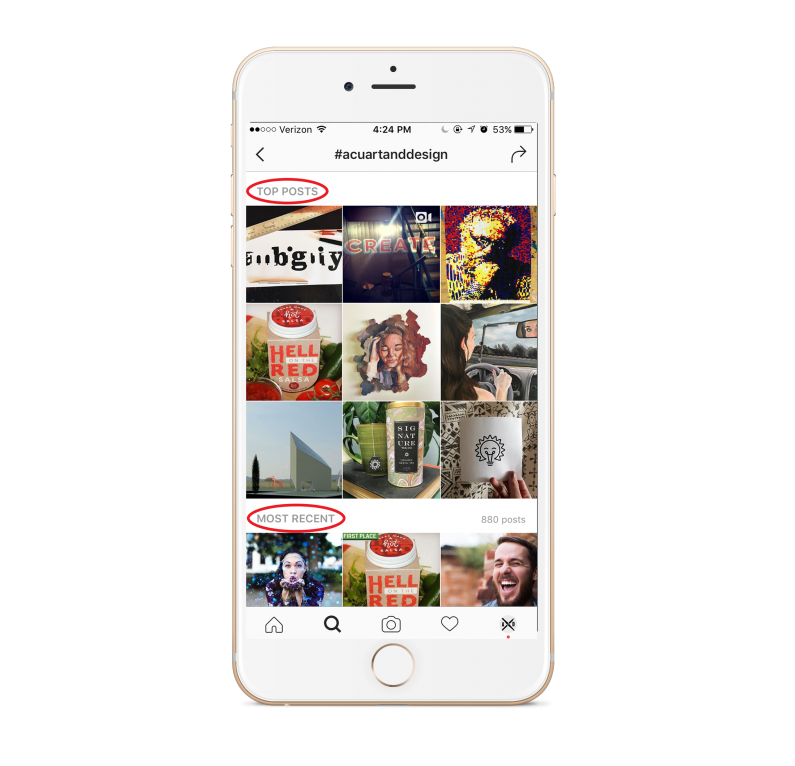
Scroll through the Top Posts and Most Recent thumbnail images. Click on any images that catch your eye.
Step 3
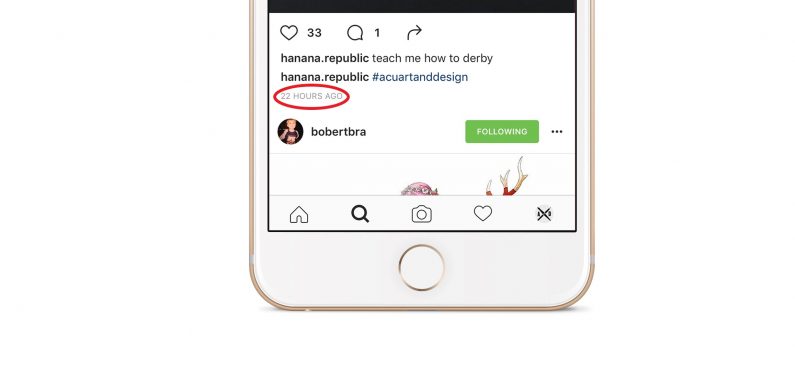
Make sure the images are within your competition dates. A reminder of those dates can be found in the emails from the Art and Design’s Media Specialist.
Step Four
From the images selected in Step Three choose one winner and one runner-up. Please take a screenshot of the winner and runner-up and send to the media specialist on the Sunday that completes the competition.